From the trackpad or keyboard
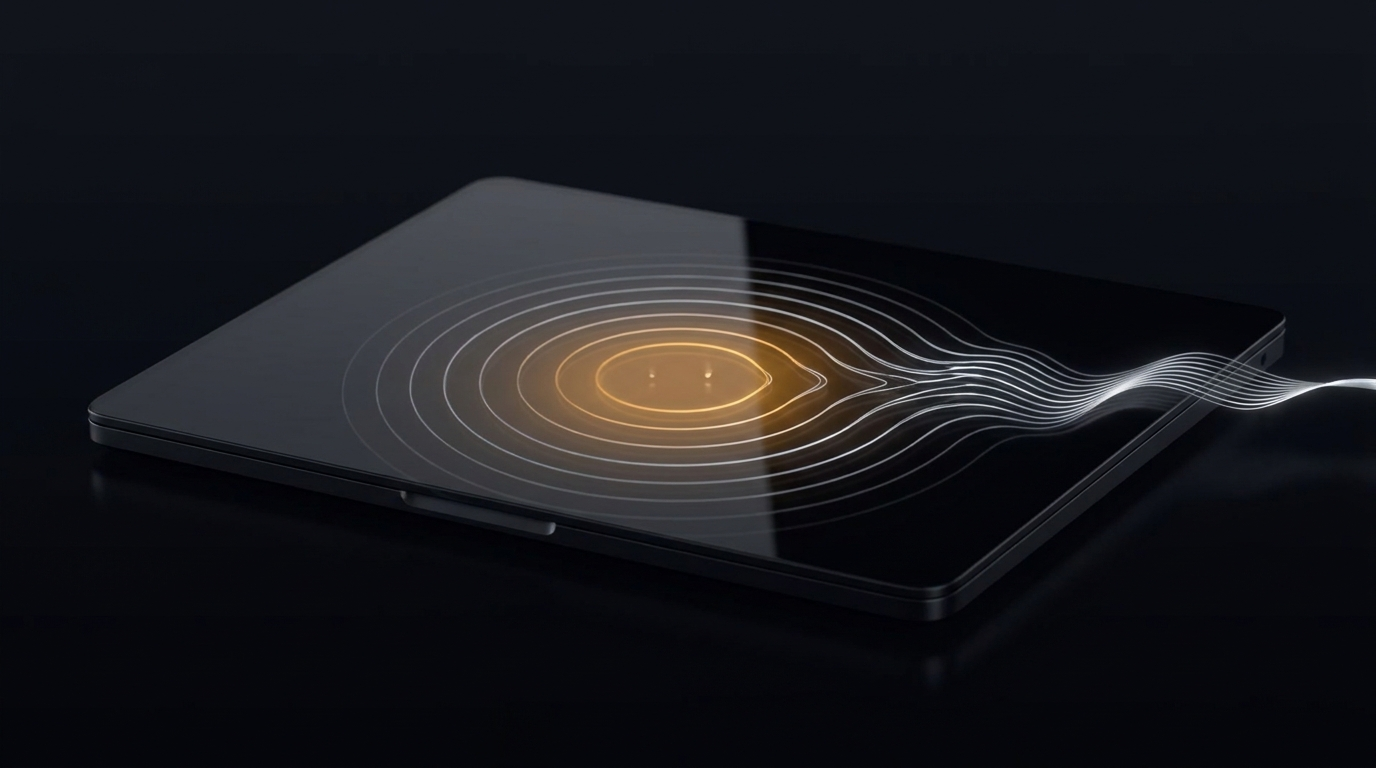
Double-tap the trackpad, or hold ⌥ Space — then talk. Same muscle memory, just no typing.
CLAVIO · THE VOICE KEYBOARD · MAC OS
An AI keyboard for Mac. Speak in any app — Clavio transcribes your speech, adapts it to how you write, and drops the finished text in.
Double-tap the trackpad, or hold ⌥ Space — then talk. Same muscle memory, just no typing.
Say the wake word and recording starts on its own. Set your own phrase, per app.
Talk whenever you want — Clavio listens in the background and types only your voice.
T· 00:01:18:00 · PASS 01 / 03 · CHAPTER B
Per app: how you summon it (trackpad, key, “Hey Clavio” or always-on), its tone and its style. Not enough presets? Describe your own and send it to us.
T· 00:03:30:00 · CHAPTER C · PER-APP
Most voice apps make you hold a key. Clavio meets your hands where they already are — or skips the keyboard entirely.
Tap twice, hold on the second tap, and talk. Your fingers never leave the trackpad and never reach for a key. Quick double-taps are ignored, so it never fires by accident.
Say the wake word and talk — no keys at all. Set your own phrase per app, each with its own style.
Globe, ⌥ Space, or a shortcut you record yourself. Hold to talk, release to send — no hot mic left open by accident.
The mic stays hot and your voiceprint is the gate, so only your voice ever triggers it. Just talk.
Say your phrase to begin. Audio never leaves the device until the trigger fires.
Mic fully off until you press. Maximum battery, maximum privacy.
On-device end-of-utterance detection sends it for you — or say your send-word to commit.
T· 00:05:04:00 · CHAPTER D · ACTIVATION
In always-on mode, Clavio only types when it hears you. Your partner, a coworker, the TV, a YouTube narrator — all ignored.
A two-minute enrollment teaches Clavio your voice across a few short phrases.
On-device speaker verification gates dictation, so only your voice ever fires it.
Liveness detection means a recorded voice message played nearby won’t pass the gate.
Your voiceprint lives on this Mac, tied to your Apple ID — it never leaves.
T· 00:05:48:00 · CHAPTER D · VOICEPRINT
Set what happens after Clavio pastes — most people pick “send.” You finish the sentence and it’s already gone. A post-action per app, fully hands-free.
01 / 05
Choose what fires after the paste — Enter, Tab, or a shortcut you record.
ENTER / TAB / ⌘
02 / 05
Set it to “send” and your dictation lands and ships on its own.
0 CLICKS
03 / 05
Send in Slack, a newline in notes, nothing in code — a post-action each.
PER APP
04 / 05
Always-on plus auto-send: you talk and never touch a key.
HANDS-FREE
05 / 05
A tunable delay lets the text settle before the action fires.
TUNABLE
T· 00:02:42:00 · CHAPTER C · HANDS-FREE
You spoke it — now reshape this one message right where it landed: simpler, stronger, shorter. No settings, no retyping.
listening · 3.2s buffered · ⌥ to stop
Pushed the migration to staging, want to walk the diff before we cut over? Held a couple of feature-flags off for now.
T· 00:04:21:00 · CHAPTER D · THE MOMENT
Names, brands and jargon get spelled right every time — Clavio learns them on its own, from your text.
T· 00:05:30:00 · CHAPTER E · LIBRARY
Same dictation field, two very different tools. On the left, a plain voice-to-text app. On the right, Clavio — an AI keyboard: on by default, no setup.
T· 00:06:09:00 · CHAPTER E · HEAD TO HEAD
Privacy by default — no asterisks.
Recordings are deleted from our servers the moment they’re transcribed and polished.
Until your trigger phrase fires, no audio leaves your Mac.
Your voice profile never leaves the device.
Wipe your account and all data — server and local — in one move.
T· 00:06:42:00 · CHAPTER E · PRIVACY
Pro is free for every beta user, every feature, every device. When launch pricing starts, you get 60 days notice first. No surprise charges.
/mo · forever
Everything you need to start dictating, on the house.
You start on Pro, free during beta.
/mo · billed annually · $12.99 monthly
Unlimited everything, the full Clavio. Free for every beta user.
/seat / mo · billed annually
Pro for the whole org, with the controls IT asks for.
Students, non-profits, accessibility: Pro is comped.
hi@clavioapp.com06 · END FRAME
Fourteen days of Pro free. macOS 14+ · Apple Silicon. No card to start.